
No hay productos en el carrito.
Ghost Touch on Phones & Tablets: Causes, Fixes, and Pro Repair Guide Leave a comment
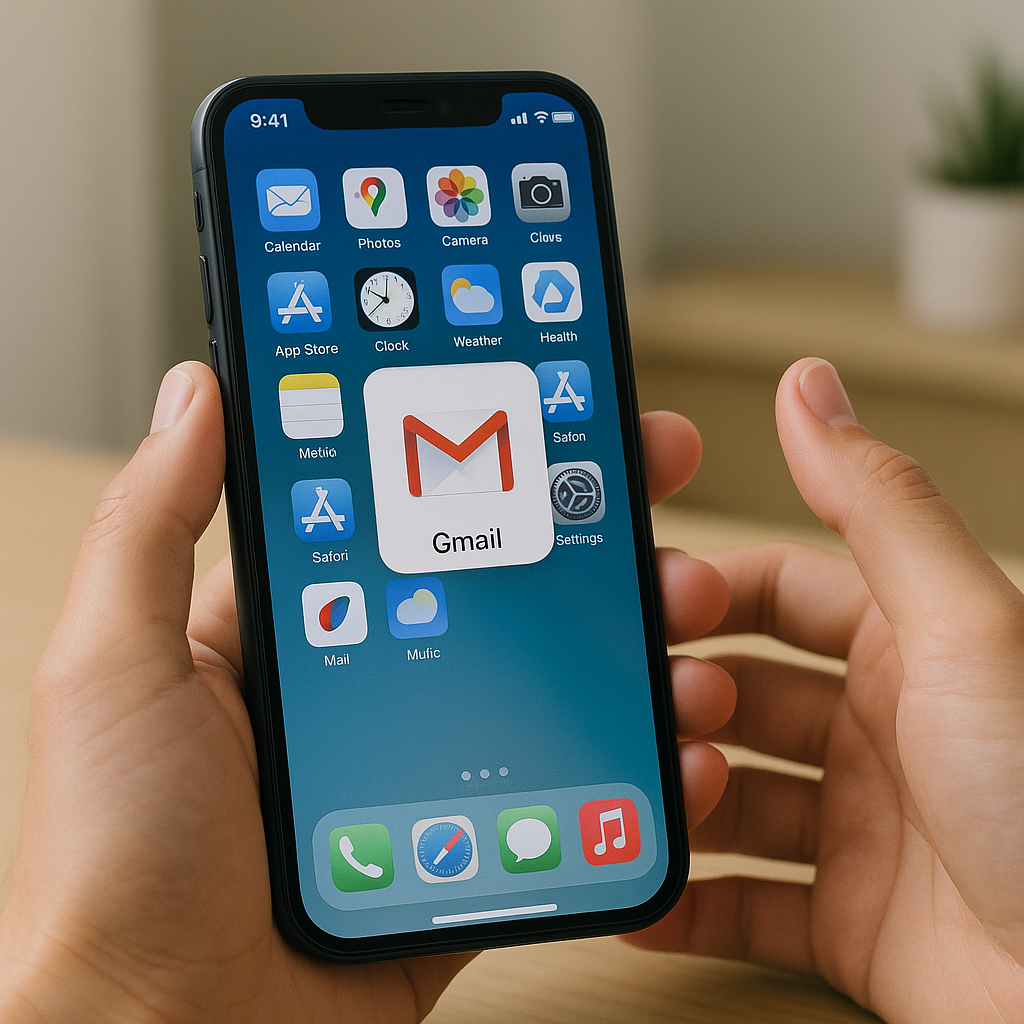
What Is Ghost Touch and Why Is It a Growing Concern?
Ghost touch—also called phantom touch—is one of the most frustrating mobile phone repair issues users face. It causes your screen to respond to touches you didn’t make, leading to unwanted calls, random app openings, and even device lockouts. At SmarTech Repair NJ, where we specialize in ghost touch phone repair NJ and mobile phone repair near me, we’ve seen this issue increase with newer high-touchscreen smartphones and tablets.
Whether you’re struggling with an unresponsive iPhone or a flickering Samsung tablet, this guide will help you understand the causes, fix options, and when to seek professional help.
What Causes Ghost Touch on Phones and Tablets?
Ghost touch can stem from several hardware or software-related issues. Here are the most common causes:
1. Damaged or Poor-Quality Screen Replacements
Low-cost or third-party screens may not be compatible with your device’s digitizer, causing erratic behavior. Poor installation can also lead to grounding issues and screen pressure inconsistencies.
2. Water or Moisture Ingress
Even minor exposure to moisture can cause ghost touch by short-circuiting sensitive internal components. Sweat, humidity, or light rain are enough to create long-term problems.
3. Faulty Charging Cables and Power Sources
Using low-quality chargers can introduce voltage inconsistencies that affect the touchscreen controller. Ghost touch often appears when the device is plugged in and disappears when unplugged. For more details, refer to Samsung’s official troubleshooting guide.
4. Battery Swelling and Internal Pressure
A swollen battery can apply pressure to the screen from inside, causing phantom touches. If you notice your phone feels warmer than usual or the back cover is bulging, seek immediate professional help.
5. Software or Firmware Glitches
Software bugs, especially after a recent OS update, can cause calibration issues with the touchscreen. If your device recently updated and started experiencing ghost touch, a rollback or patch might be needed. You can also check Apple’s official support on touch issues.
6. Overheating
Extended usage, especially while charging, can overheat internal components, distorting signals to the touchscreen controller.
Common Devices Affected by Ghost Touch and Their Symptoms
iPhone Models
Symptoms:
- Random taps, swipes, or zooms
- Opening apps or calling numbers unintentionally
- UI flickering or frozen screens
Fix Tips:
- Force restart your iPhone
- Update or restore iOS via iTunes
- Contact SmarTech Repair NJ for professional iPhone repair. You can also check official resources like Apple’s support page on screen responsiveness.
Samsung Devices
Symptoms:
- Touch responsiveness degrades while charging
- Phantom touches when using fast chargers
- Display jumps or flickers during use
Fix Tips:
- Switch to original Samsung charger and cable
- Use safe mode to detect rogue apps
- Replace the digitizer through our expert Samsung repairs. Also review Samsung’s troubleshooting page.
Tablets (iPad, Samsung Tab, etc.)
Symptoms:
- Erratic multi-touch inputs
- Swiping or scrolling lag
- Opening and closing of apps randomly
Fix Tips:
- Use anti-glare screen protectors
- Turn off multitouch features temporarily
- Visit our tablet repair center for advanced help
Advanced Troubleshooting for Ghost Touch
Clean Your Screen Thoroughly
Dirt, oil, or invisible residue can interfere with capacitive screens. Use a microfiber cloth and an isopropyl alcohol solution.
Disable 3D Touch or Haptic Feedback (iOS)
Reducing pressure sensitivity in settings can help minimize unintended screen responses.
Enter Safe Mode (Android)
If ghost touch disappears in Safe Mode, the issue may stem from a third-party app.
Recalibrate the Screen
Some Android devices allow manual screen calibration from settings or using apps like Touchscreen Repair.
Factory Reset
If all else fails, a clean reset can resolve software bugs. Be sure to back up your data first.
Ghost Touch Phone Repair NJ: Professional Repair Options at SmarTech Repair
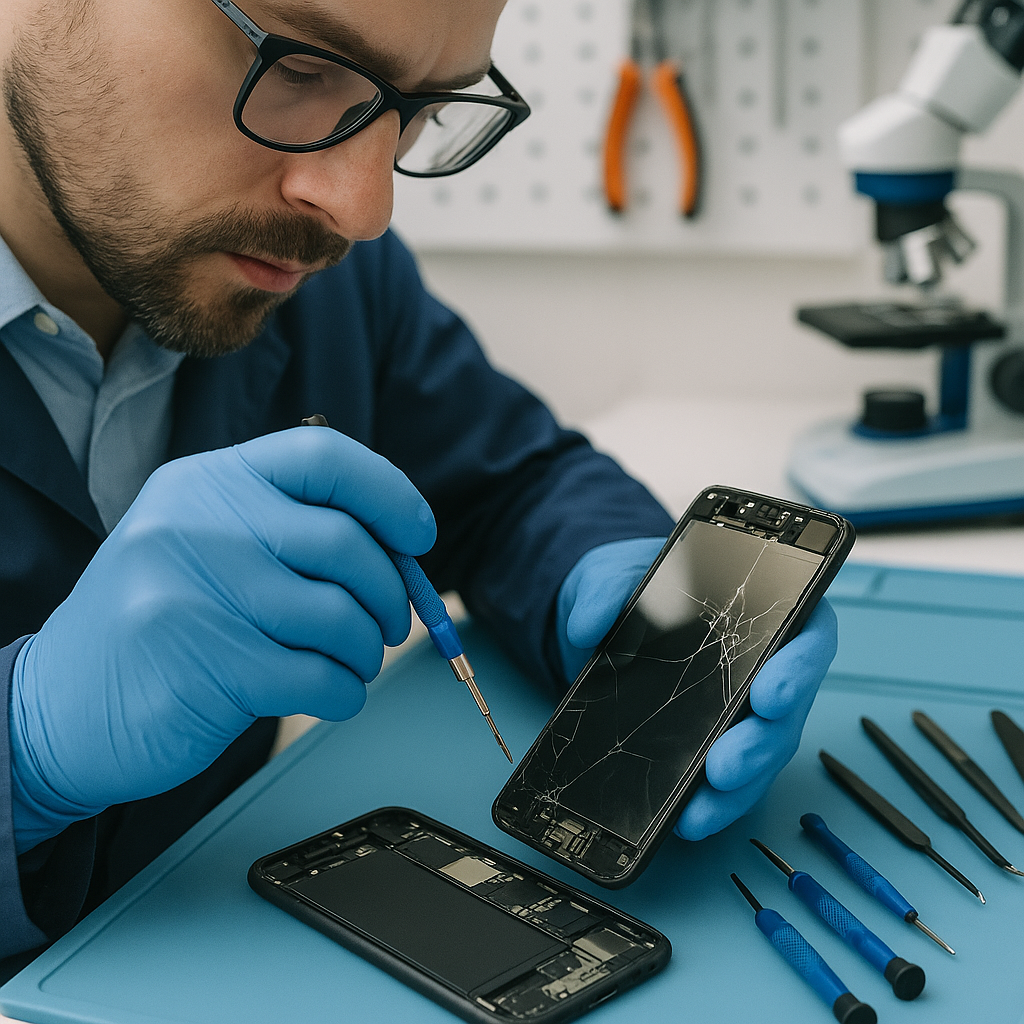
At our New Jersey-based service center, we offer comprehensive diagnostics and repairs for all ghost touch-related issues.
- Screen Replacement using OEM-grade parts
- Battery Replacement if internal swelling is detected
- Logic Board Repairs for deeper issues involving chip-level faults
- Moisture Damage Repair using ultrasonic cleaning methods
Visit our repair center or contact us directly via Contacto.
We specialize in console repair near me, mac repair, cell phone repair, and mobile screen repair near me—with technicians trained in PlayStation repairs, MacBook repair, and buy used iPhone checks.
Prevention Tips to Avoid Future Issues
Use Certified Chargers and Cables
Always purchase accessories from original manufacturers or trusted sources to prevent power surges.
Protect Your Screen
Invest in high-quality screen protectors and shock-proof cases.
Regular Maintenance
Use our computer repair services for routine checks on thermal health, especially in tablet near me and laptop devices.
Avoid Moisture Exposure
Keep your devices in dry, temperature-controlled environments.
Update Responsibly
Read update changelogs before installing. Delaying non-critical updates might help avoid bugs. Refer to Apple’s support article for insights.
Conclusion and Final Thoughts
Ghost touch is more than a minor inconvenience; it can compromise your productivity and even security. While some causes are temporary or software-related, others demand immediate professional attention.
If you experience persistent ghost touch, stop by SmarTech Repair NJ to resolve it effectively. From mobile phone repair near me to console repairs, we offer full-service diagnostics and repairs backed by certified expertise.
Explore our shop or about us to learn more about our experience and solutions.
FAQs
Q1: How do I stop my phone from ghost touching?
A: First, try basic resets or safe mode. If it persists, professional diagnostics may be necessary to inspect the digitizer, battery, or internal circuits.
Q2: Is ghost touch dangerous for my phone?
A: Yes. If left unresolved, it can cause unintended actions like deleting data or changing system settings. Over time, internal damage can worsen.
Q3: Does ghost touch mean I need a new phone?
A: Not always. In most cases, replacing a screen or repairing internal components resolves the issue without needing a new device.
Q4: Can ghost touch be caused by malware?
A: Rarely. But malicious apps can affect touchscreen response. A safe mode test can help rule this out.
Q5: Does using a stylus prevent ghost touch?
A: It might reduce errors, but it won’t fix the underlying cause. Use a stylus only temporarily until you seek repairs.
